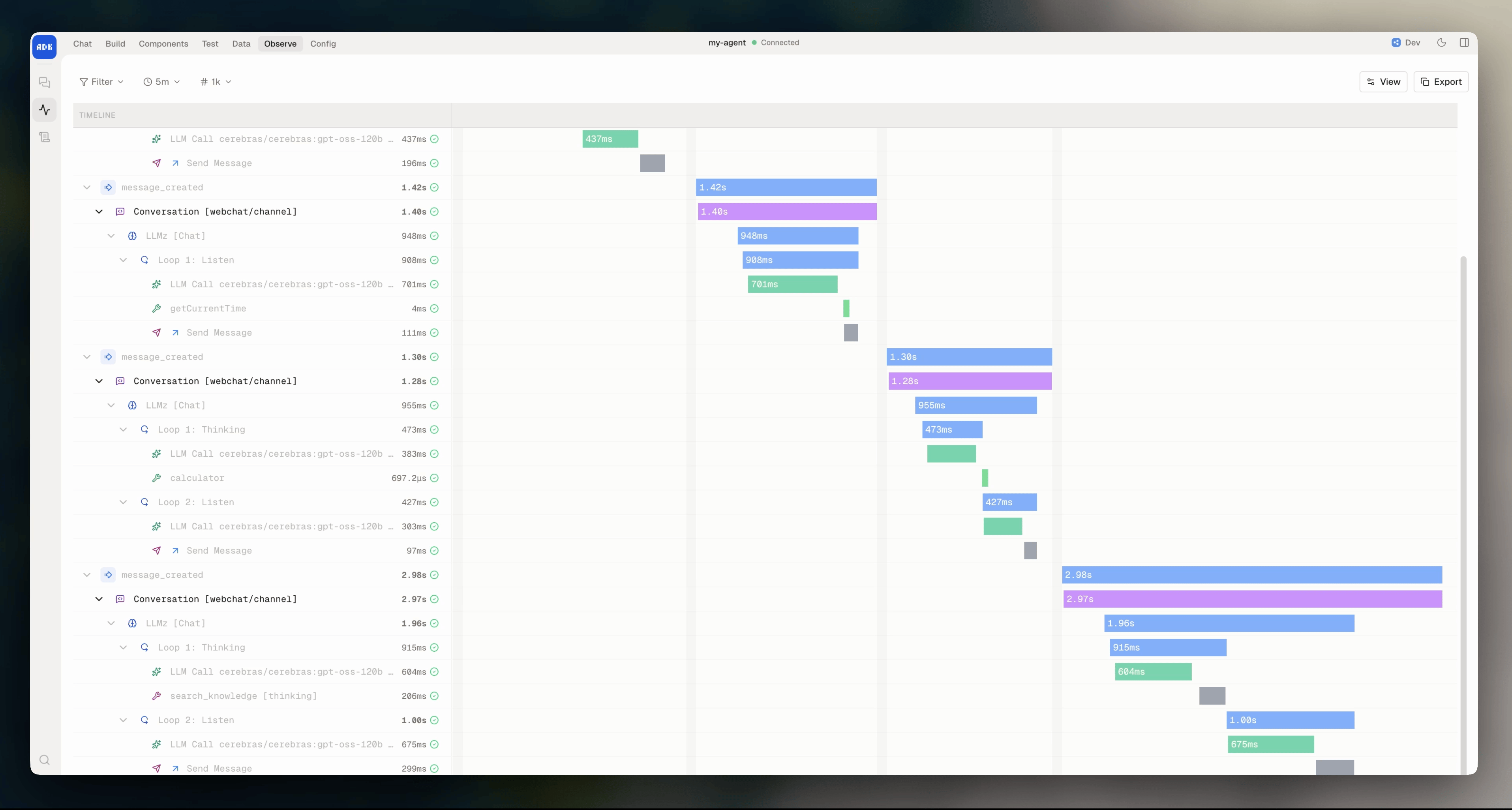
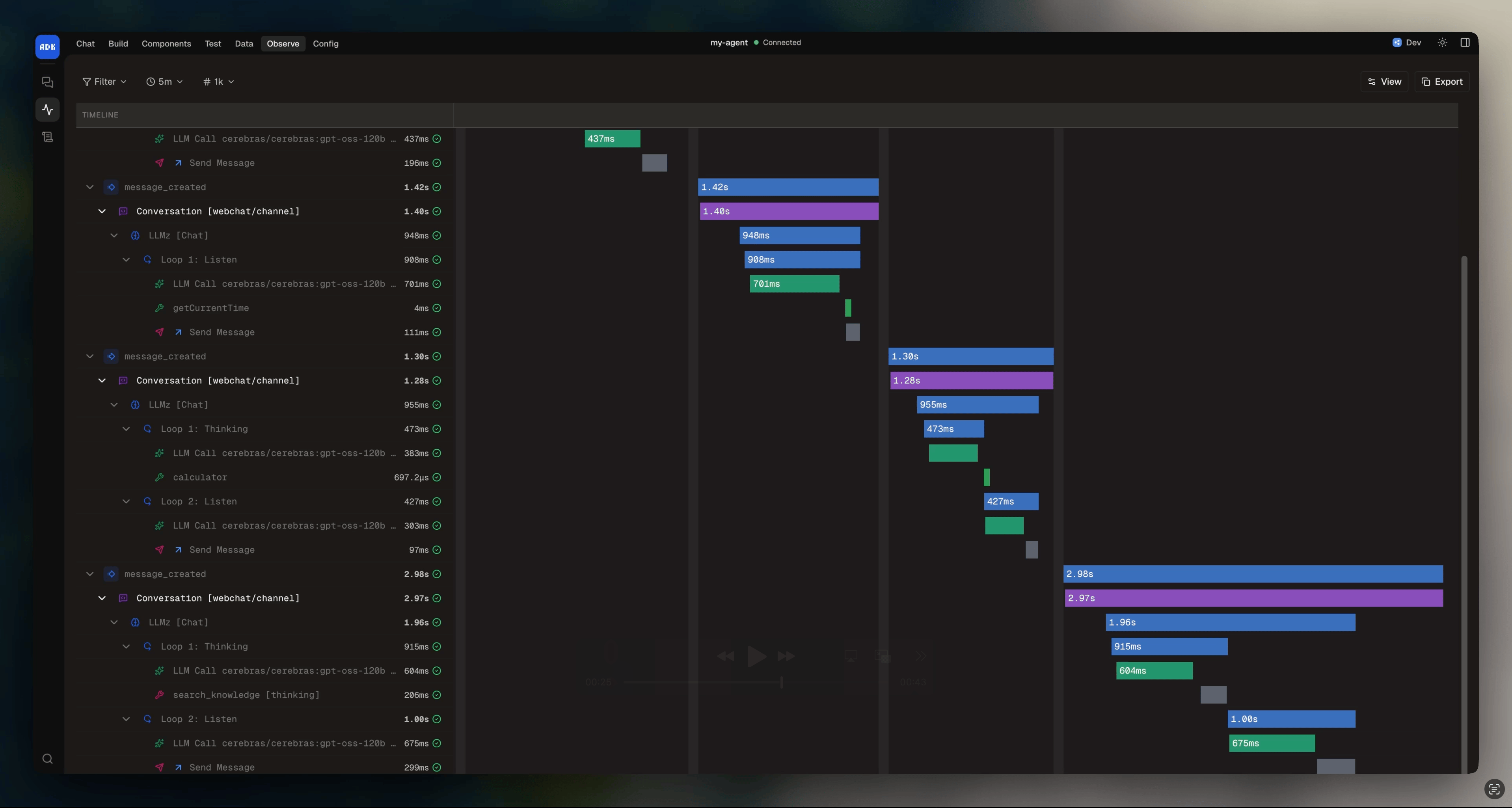
execute() function is the primary way your agent responds to users. It starts an AI loop that iterates until the model reaches a conclusion. On each iteration, the model can read the conversation, call tools, and generate code.
The loop ends when the model sends a message to the user (and waits for a reply), triggers an exit, or hits the iteration limit (which defaults to 10 and is configurable).
The await resolves once the loop finishes.
Under the hood,
execute() is powered by LLMz.Basic usage
Instructions
Pass instructions into theinstructions field to tell the model how to behave. They can be a static string or a function that returns a string:
Knowledge
Pass knowledge bases into theknowledge field to give the model access to your documents:
Tools
Give the model functions it can call by passing them into thetools field:
Exits
Pass inexits to let the model end execution with a structured result:
Model override
You can override the default model for a specific execution:agent.config.ts under defaultModels.autonomous. You can also browse and change models from the dev console under Settings > LLM Config.
Temperature and reasoning
To control the model’s temperature and reasoning effort, use thetemperature and reasoningEffort props:
Iterations
The model can loop multiple times in a single execution (e.g., call a tool, read the result, call another tool, then respond). Theiterations prop controls the maximum number of loops:
Cancellation
Pass anAbortSignal to cancel execution mid-loop. Useful when the caller needs to bail out (e.g. a timeout or the user navigating away):
Mode
Execution runs inchat mode by default, where the model sends messages to the user. You can switch to worker mode for background processing:
Hooks
Hooks let you observe and intercept execution at key moments:Debugging execution
To see exactly what happened during an execution (which tools were called, what the model generated, how many iterations it took, and any errors), see Debug with logs and traces.