> ## Documentation Index
> Fetch the complete documentation index at: https://botpress-charmenta-pr-693.mintlify.site/llms.txt
> Use this file to discover all available pages before exploring further.
# Scoping variables
export const GoodToKnow = ({children}) => {
return
{children}
;
};
Every variable has a *scope* that determines where and when your bot can access it.
Try restarting the conversation. Select **** in the Emulator, then send a message:
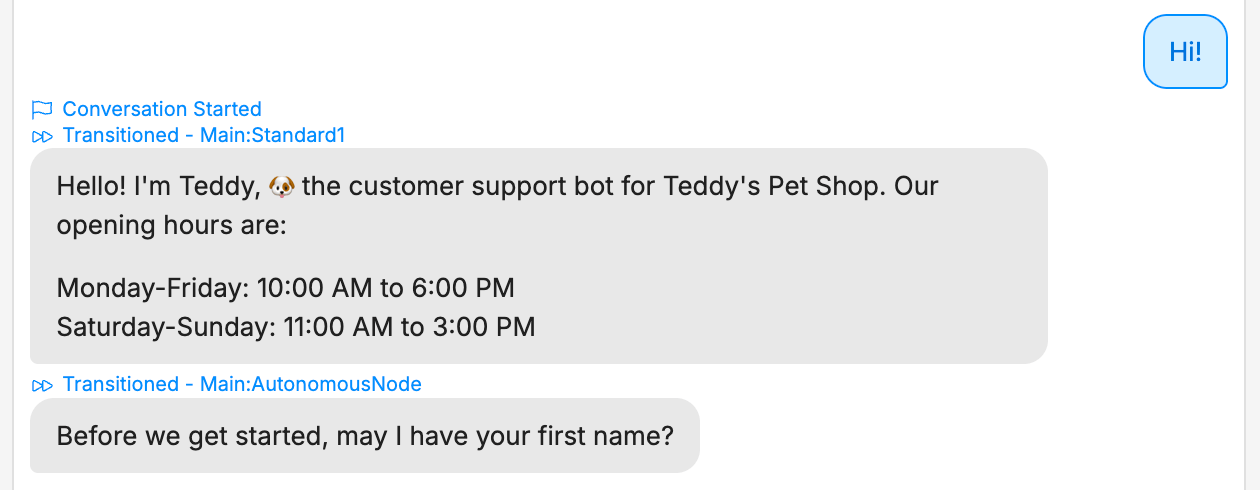
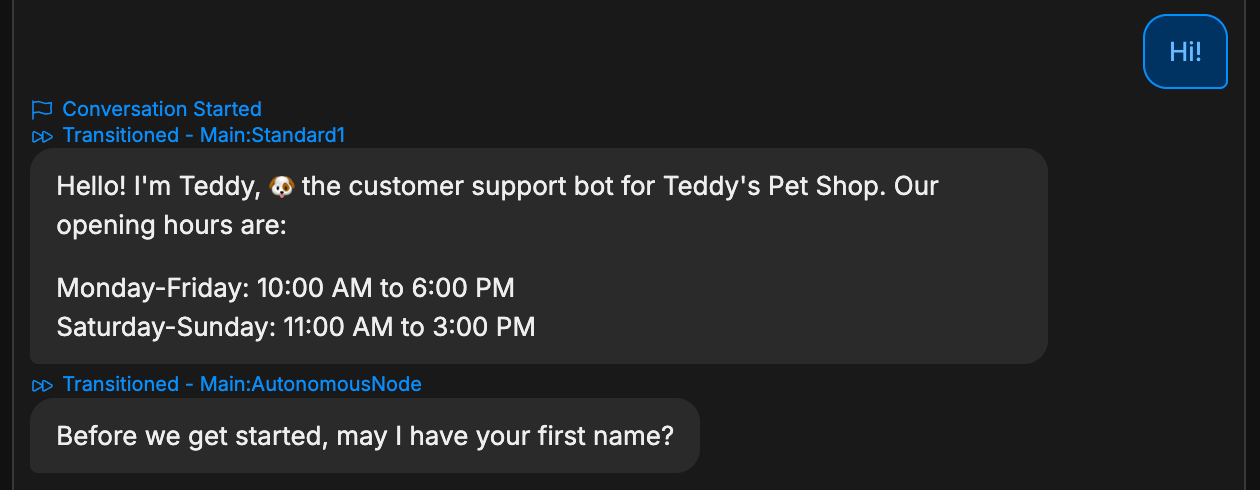 That's not ideal—the bot asked for our name again, even though we already told it in a previous conversation.
This is because `firstName` is a *Workflow* variable—it keeps the same value for the current Workflow, then resets when the Workflow is done its execution. Since each new conversation re-executes the Main Workflow, the value resets every time.
Newly-created variables have the Workflow scope by default.
## Changing a variable's scope
Let's change `firstName` to a *User* variable:
1. In the Variables section, hover over `firstName` and select **** to edit it.
2. In the **Scope** drop-down, switch from **Workflow** to **User**.
3. Select **Save**.
Now, go back to the Emulator and repeat the process. Start one conversation and tell it your name:
That's not ideal—the bot asked for our name again, even though we already told it in a previous conversation.
This is because `firstName` is a *Workflow* variable—it keeps the same value for the current Workflow, then resets when the Workflow is done its execution. Since each new conversation re-executes the Main Workflow, the value resets every time.
Newly-created variables have the Workflow scope by default.
## Changing a variable's scope
Let's change `firstName` to a *User* variable:
1. In the Variables section, hover over `firstName` and select **** to edit it.
2. In the **Scope** drop-down, switch from **Workflow** to **User**.
3. Select **Save**.
Now, go back to the Emulator and repeat the process. Start one conversation and tell it your name:
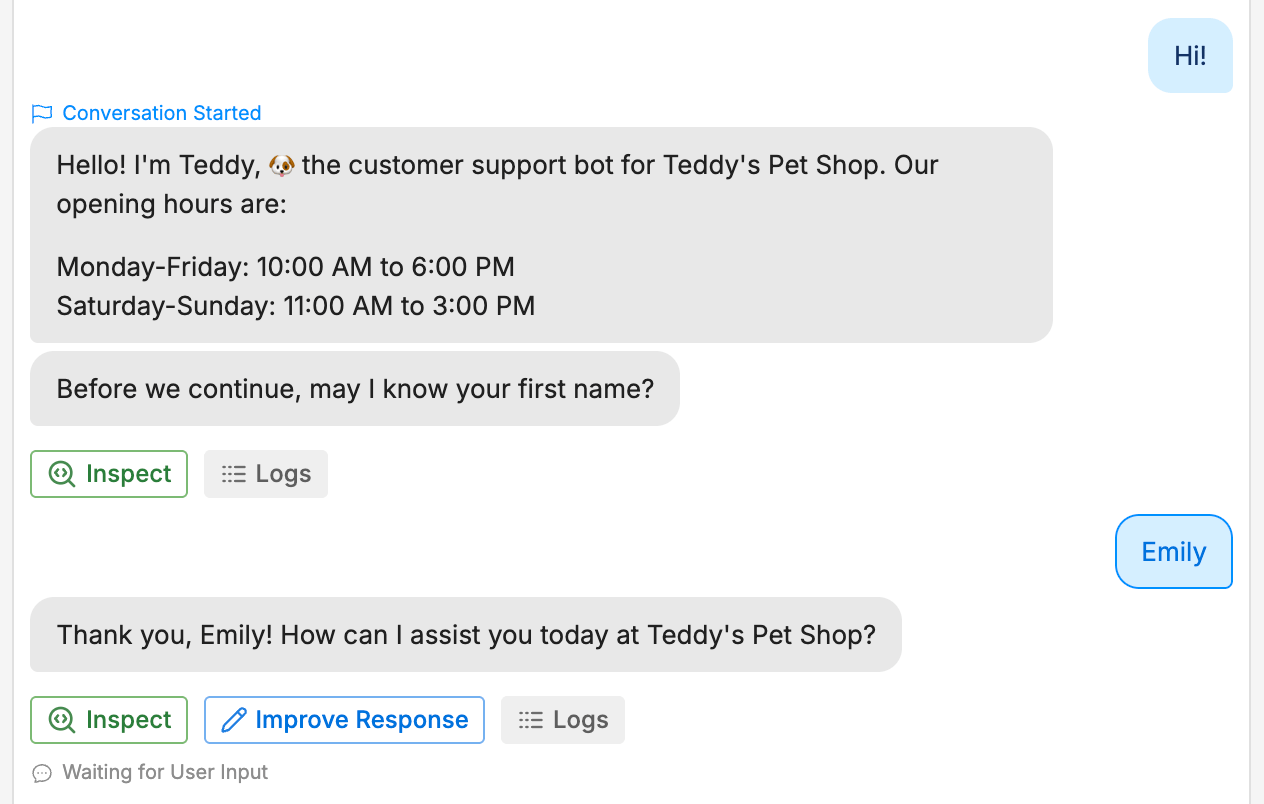
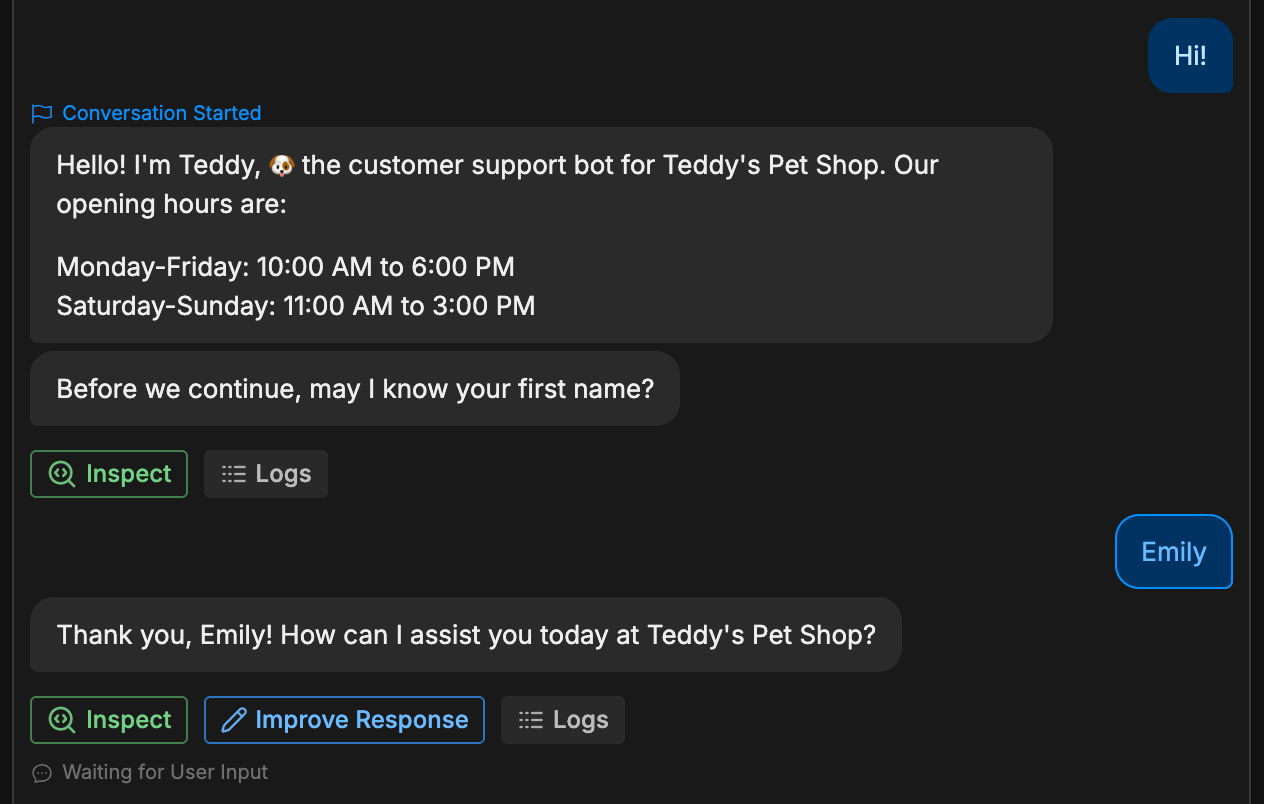 Then, select **** to restart the conversation and send a message:
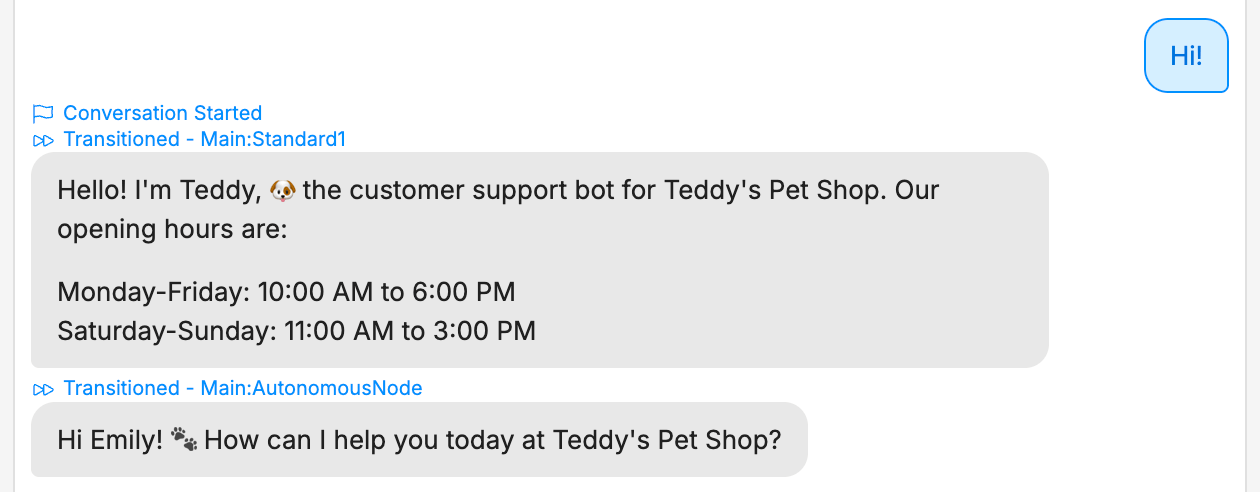
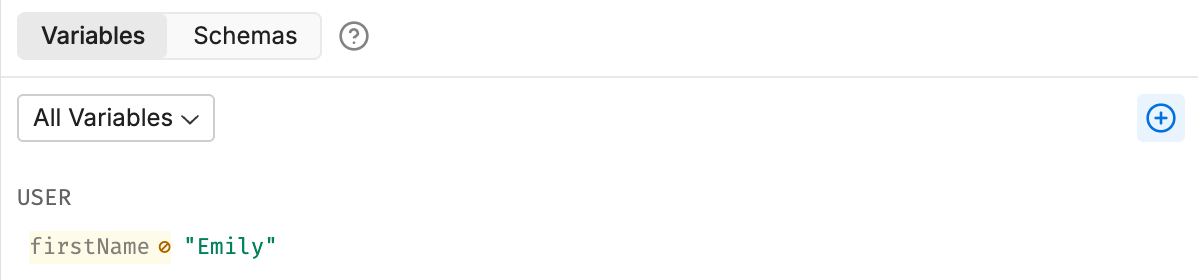
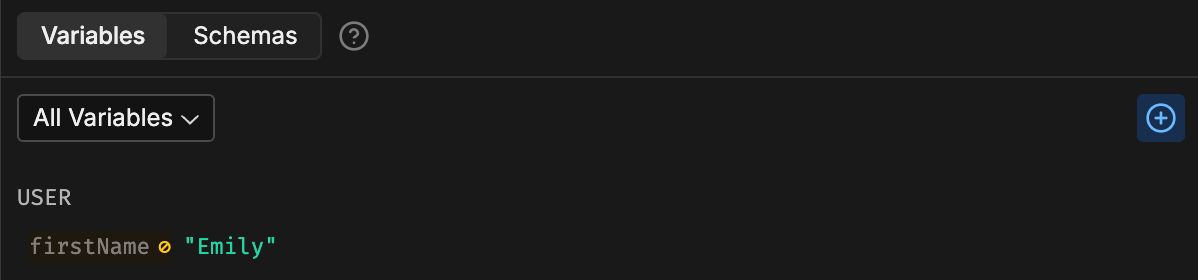
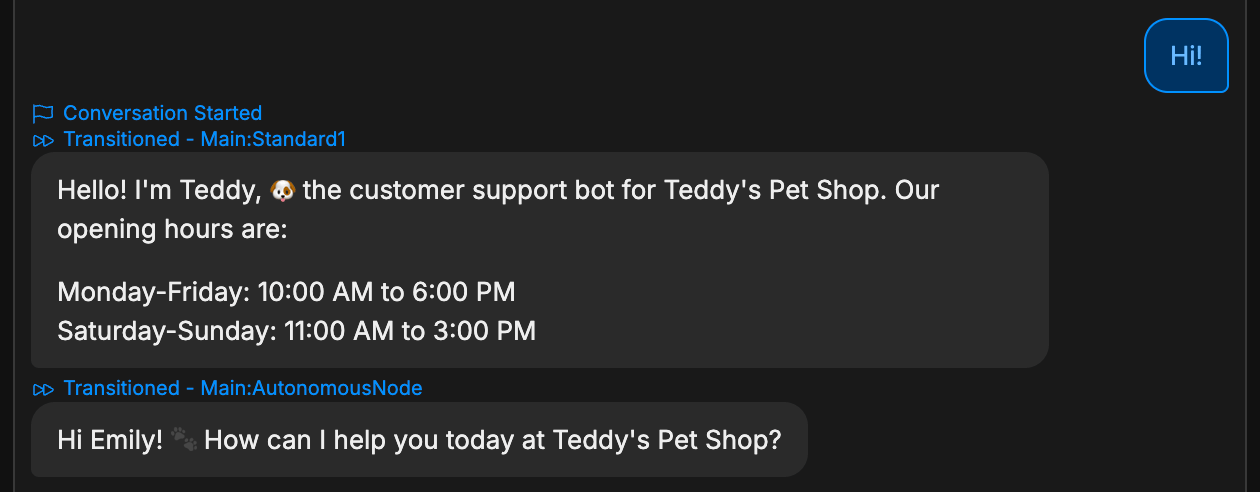 Much better! The bot remembered the name from our previous conversation. Notice that in the Variables section, the value stayed the same: